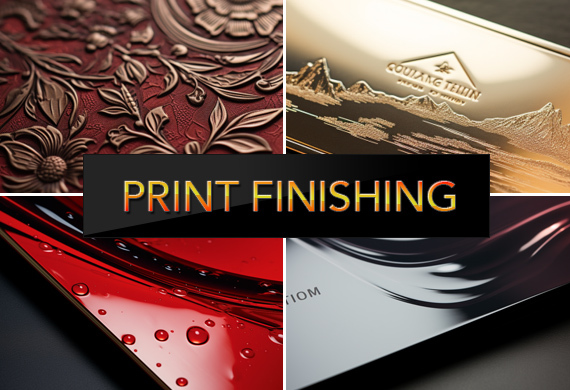
When it comes to print materials, finishing touches can make all the difference. Print finishing is that critical final step that adds beauty and resilience to your products. This article introduces you to the techniques that shape visual identity, protect against wear, and leave a professional mark. Dive in to see how the subtle art of print finishing can amplify the value of your print projects.
Key Takeaways
- Print finishing techniques, like varnishing and embossing, add aesthetic and functional value to printed materials, elevating their look, feel, and durability.
- Foil stamping creates luxurious, eye-catching metallic finishes with various foil types and requires specific equipment for precise application, offering visual and functional benefits.
- Innovative print finishing methods, including die cutting, lamination, and precision folding, increase engagement by enhancing the tactile and visual experience of the audience.
Exploring the World of Print Finishing
Have you ever held a beautifully designed brochure and wondered about the hands that crafted its appeal? Those are the hands of print finishing techniques, skillfully enhancing printed materials through various processes like letterpress, varnishing, and thermography. Each method, whether glossy or matte varnishing or the tactile charm of letterpress, adds a unique touch to the printed surface, making it more visually appealing and functional.
The beauty doesn't end there. Imagine adding a luxurious feel to your business cards or brochures with a soft touch coating that also protects against fingerprints and scuffing or pressing logos onto promo materials with a malleable metallic material, adding to the overall quality and visual appeal of the final product. From corporate stationery and packaging to magazine pages and invitations, print finishing techniques are beneficial to anyone aiming to create a memorable impression.
The Art of Foil Stamping
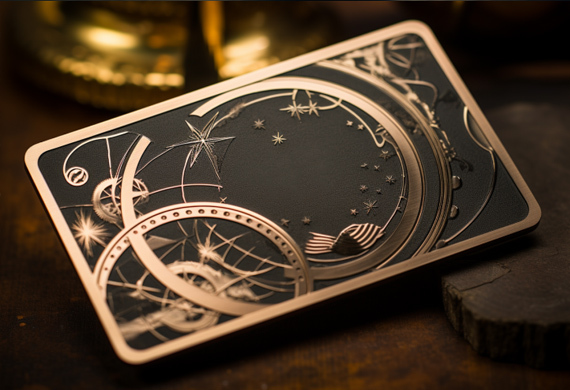
Next, we delve into the art of foil stamping—a print finishing technique comparable to adorning a simple outfit with jewelry. Foil stamping applies a metallic material to the print surface with heat and pressure, creating a luxurious touch with a metallic finish.
Picture various magazine covers with text and logos beautifully highlighted in stunning metallic colors. The result? Your product stands out captivatingly, making it more eye-catching and attractive.
Types of Foil Used
Foil stamping offers a plethora of choices. From metallic and pigment to holographic and security foils, there's a foil for every creative vision. In addition to its visual benefit, the metallic foil printing is a pigmented metallic hot stamping foil that acts as a protective coating for the printed material, ensuring longevity and durability.
Beyond the traditional metallic foils, a world of innovation is waiting to be explored. Pigment foil, for instance, uses a distinct process for final production that enables you to achieve the desired outcome for your printed materials. On the other hand, holographic foils bring a diverse range of layers, creating an exciting and distinctive finish that's often utilized as an anti-counterfeiting feature.
Equipment Necessary for Foil Stamping
Effective foil stamping requires the proper tools. Essential equipment includes heated dies and specialized machines that work together to bring your vision to life. The array of heated dies used in foil stamping is as diverse as the results they produce, ranging from single-level to combination dies.
The hot foil stamping process relies heavily on a machine, where a heated die presses the foil against the substrate, creating the desired image or lettering. Whether manual or pneumatic, choosing a foil stamping machine can significantly impact the volume and quality of your output.
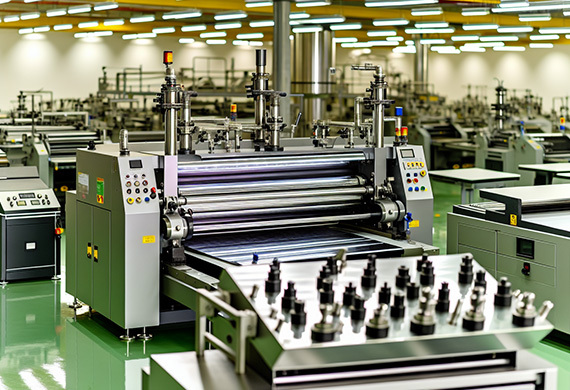
Accessories and tools such as:
- die holders
- gauges
- clamps
- cutters
- foil roll holders
can further enhance the performance of a foil stamping machine.
Benefits of Foil Stamping
Foil stamping's allure extends beyond mere visual appeal. It beautifully highlights specific features and adds a shiny, reflective effect to print materials, making them more appealing.
Moreover, it significantly enhances the durability of print products, making the design vibrant and intact through numerous washes and extended use, which is crucial in the print industry.
Die Cutting: Shaping Your Imagination
Imagine a world where you can cut out your dreams into tangible forms. Welcome to the world of die cutting—a technique that allows custom shapes and designs to be cut into print materials, making it possible to bring your creative visions to life.
Whether cutting out the outline of a logo for use as a hang tag for clothing or retail products, creating an interactive slide and reveal card, or making functional cuts for door hangers, die cutting plays a significant role in enhancing the visual and tactile experience of your printed materials.
Lamination: More Than Just Protection
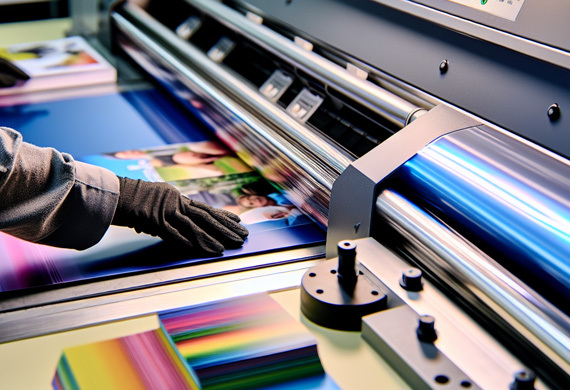
Lamination provides protection, durability, and an aesthetic boost. A protective layer not only improves sturdiness and water resistance but also enhances the color and quality of the design, adding a tactile, soft feel to printed materials. Think of it as a shield that guards your print materials while enhancing their appeal.
Whether it's business cards, brochures, or menus that see high-touch use or items requiring durability, such as posters, signs, and soft-covered books, lamination enhances their life and visual appeal. The choice of lamination type, from silk and matt to gloss, can further refine the look and feel of your final product.
UV Varnish: A Spotlight on Glossy Accents
Among print finishes, UV varnish acts as a spotlight, highlighting the star of the show. Applying a transparent finish to printed materials using the ultraviolet technique provides a smooth and glossy layer that enhances their look and value.
Spot UV varnish can add a beautiful glossy touch to specific areas of a flyer or business card, enhancing the overall design. This quick-drying and eco-friendly coating creates stunning glossy details, bringing out contrast and visual interest in the materials. Whether it's making bright images stand out more vividly or combined with other finishes for higher impact, Spot UV is a game-changer in enhancing the visual impact of printed materials. Some benefits of Spot UV varnish include:
- Creating a high-end and luxurious look
- Adding depth and dimension to the design
- Protecting the printed piece from scratches and fading
- Making certain elements pop and catch the viewer's attention
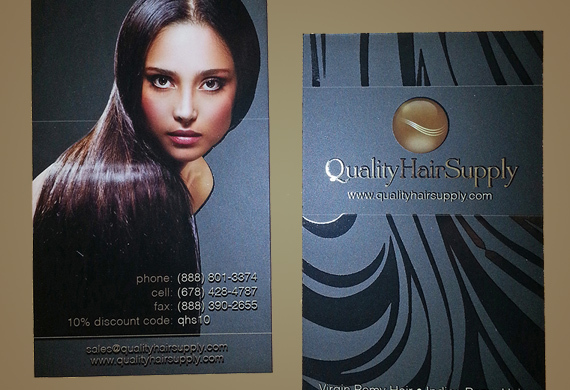
Consider using Spot UV varnish in your next print project to elevate the visual appeal and make a lasting impression.
Embossing and Debossing: Textured Impressions
In addition to visual appeal, print finishing also enhances the tactile experience. Embossing and debossing techniques create textured impressions on printed materials, offering a sensory experience that leaves a lasting impression. With the help of print finishing equipment, these techniques can be efficiently applied to various projects.
Whether adding a distinctive touch to business cards or stationery or enhancing the perceived quality of materials, embossing and debossing are an integral part of a strong branding strategy. And when combined with other print finishing techniques like foil stamping, they can create a product with captivating visual and tactile appeal.
Precision Folding for Impactful Designs
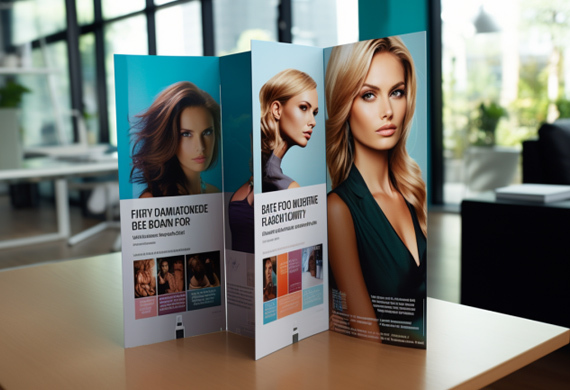
A mere fold can morph a flat sheet of paper into an interactive and compelling design. Precision folding techniques, such as Half Fold, Z Fold, and Tri-fold, play a pivotal role in maximizing the visual appeal of brochures, booklets, and presentation folders, creating unique and interactive experiences for the audience.
Custom folds offer an affordable opportunity to infuse print materials with dimension and engagement, allowing for captivating reveal effects and interactive 3D shapes that elevate the reader experience. These folds thus significantly contribute to enhancing the printed design elements of a brand's marketing materials, making them more impactful and effective.
The Importance of Quality Cutting and Creasing
Quality cutting and creasing are indispensable to achieve a polished and professional finish in print materials and books. Creasing creates a fold line in printed materials, making folding easier and more precise. It's akin to drawing a guideline for the paper to follow, ensuring straight and parallel folds.
On the other hand, cutting, supported by a die cutter, shapes the printed materials into custom forms, adding to the final touch of the print finish. Together, quality cutting and creasing form the backbone of a well-executed print finish.
Selecting the Right Print Finish for Your Project
Choosing the perfect print finish for your project mirrors selecting the right pair of shoes—it must align with your budget, complement your design, and be apt for its intended use. Print finishing refers to the process of adding these special touches like UV coating or embossing.
Your design plays a crucial role, too, as it has the potential to enhance the overall aesthetics, durability, and appeal of your printed materials. The intended use, such as the environment where the printed material will be exposed and the audience's characteristics, opens up opportunities to create durable, visually appealing, and high-performing finishes.
Printing Techniques to Enhance Branding
Branding transcends creating a visually appealing logo or a catchy tagline. It extends to how your printed materials feel in the hands of your audience and how they interact with them. Techniques like embossing, foiling, and die-cutting play a significant role in enhancing your brand's identity.
Foil stamping enhances the visual appeal of print materials by highlighting features such as:
- logos
- text
- images
- borders
This adds a touch of sophistication to your projects. Similarly, die-cutting enhances your brand's presentation in printed materials by giving them a unique and custom look, making marketing materials and cards more memorable.
Print Finishing Recap
From the glossy cover of a magazine that captures your attention to the intricate embossing on a business card that you can't help but feel, print finishing techniques breathe life into printed materials. Whether it's foil stamping, die cutting, lamination, or precision folding, each technique adds a unique touch and dimension to the printed surface, enhancing its visual and tactile appeal. As we enter a world where digital and physical experiences intertwine, these print-finishing techniques will continue to play a crucial role in creating memorable impressions.
Print Finishing Frequently Asked Questions
What is finishing in printing?
Finishing in printing refers to the actions performed on a print once the ink has dried. These techniques enhance the visual appeal and protection of the final product.
Why is print finishing important?
Print finishing is important because it gives the print a professional look, creates a lasting impression, and maximizes its value by offering a wide variety of finishes to accommodate any desires and needs.
What is digital print finishing?
Digital print finishing is any process applied to printed materials after they have been printed and can make a significant difference in the final product.
What print finishes can I use?
You can use print finishes like glossy, matte, and metallic to enhance the appearance of your printed materials. Choose the finish that best complements your design and product.
What are some print finishing techniques?
Some print finishing techniques include foil stamping, die cutting, lamination, UV varnishing, and embossing, which add a professional and polished look to your printed materials.
(678) 235-3464
To view the original version on Clash Graphics, visit: https://www.clashgraphics.com/printing-tips/print-finishing-techniques/


