Showing posts with label Printers. Show all posts

Monday, May 29, 2023

Types of Printers - Pros, Cons, and Uses

Need help determining what type of printer will best serve your business needs? Knowing what types of printers are available will help you acquire the right one for your printing volume and quality.
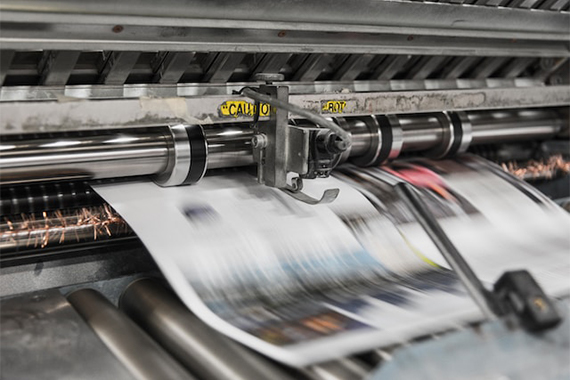
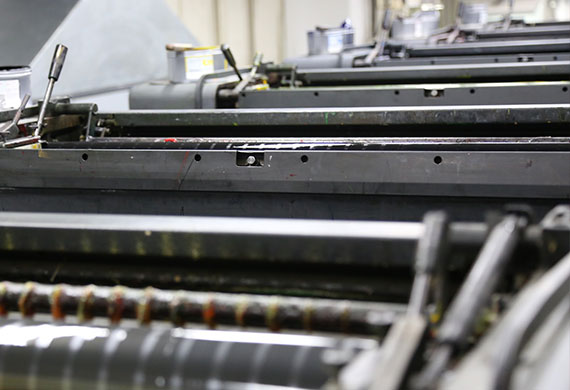
types of printers print press run

clashgraphics.com gathered information about printer types, their advantages and disadvantages, and their specific uses.

Different Types of Printers

Printers are an essential component of modern-day offices and homes. They are available in various types and sizes, each designed to fulfill different printing needs. Computer printers have evolved, with the most common types of printers are inkjet, laser, solid ink, continuous ink, LED, dot matrix, and A3 printers. Consider the following printer types, their principal use, advantages, and disadvantages:

1. Inkjet Printers
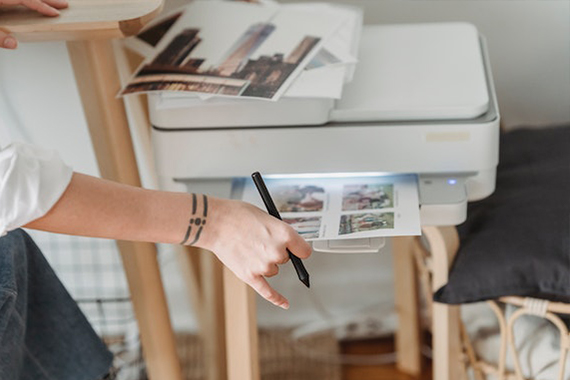
inkjet-printer

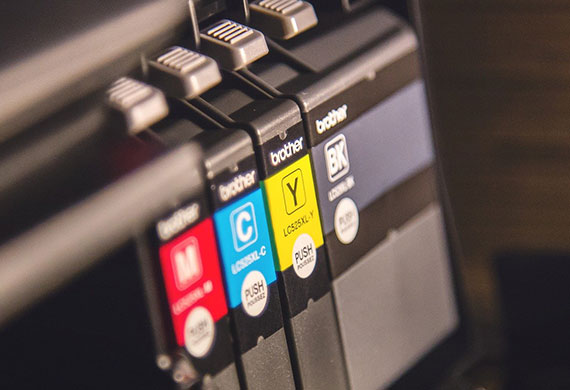
Inkjet printers utilize ink cartridges to create images and text on paper. They are ideal for printing high-quality images, photos, and color documents. Inkjet printers are used in homes and small offices for printing documents, graphics, and photographs. They are very affordable and easy to use.

Advantages

  • Affordable price
  • Produces high-quality printing
  • Can print on various paper types, including photo paper
  • Excellent for printing images and graphics

Disadvantages

  • Ink cartridge replacements can be expensive
  • Ink may smudge on certain paper types
  • Ink may fade with time and light exposure

2. Laser Printers
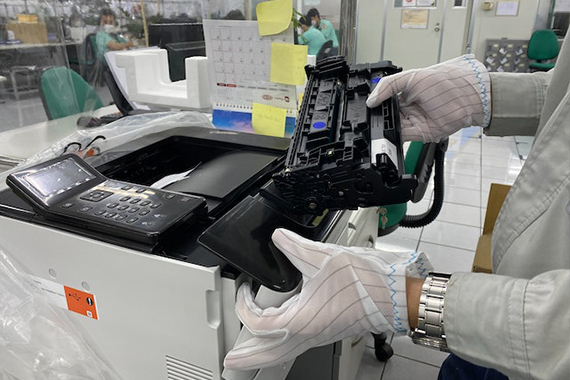
laser printer

Laser printers use toner cartridges to print text and images on paper. They are ideal for printing large volumes of office documents quickly and efficiently. They are used in offices and businesses that require high volumes of printing.

Advantages

  • Fast printing speed
  • High-quality text printing
  • Lower cost per page than inkjet printers
  • Good for printing documents

Disadvantages

  • Expensive initial cost
  • Capable but not suitable for printing images and graphics
  • Limited paper types, cannot print on glossy photo paper

3. Solid Ink Printers

Solid ink printers utilize solid ink sticks instead of liquid ink cartridges. They are ideal for printing high-quality color documents, graphs, and images. They are used in businesses that require high-quality color printing.

Advantages

  • High-quality color printing
  • Cost-effective for printing high volumes of color documents
  • Excellent for printing images and graphics

Disadvantages

  • Elevated initial cost
  • Not suitable for black-and-white documents
  • Limited paper types, cannot print on glossy photo paper

4. Continuous Ink Printers

Continuous ink printers use sizable ink tanks instead of smaller ink cartridges. They are ideal for printing documents and images in high volumes. They are typically used in businesses that require a high volume of printing.

Advantages

  • Low cost per page
  • Can print high volumes of documents and images
  • Excellent for printing images and graphics

Disadvantages

  • Expensive initial cost
  • Ink can dry out if not used regularly or properly
  • Limited paper types, cannot print on glossy photo paper

5. LED Printers

LED printers use LED technology to produce images and text on paper. They are similar to laser printers but are more affordable and use significantly less power. These printers are ideal for printing text documents quickly and efficiently.

Advantages

  • Rapid printing speed
  • Significantly low energy consumption
  • Lower cost per page than laser printers

Disadvantages

  • Limited paper types, cannot print on glossy photo paper
  • Not recommended for printing high-quality images and graphics
  • Elevated initial cost

6. Dot Matrix Printers
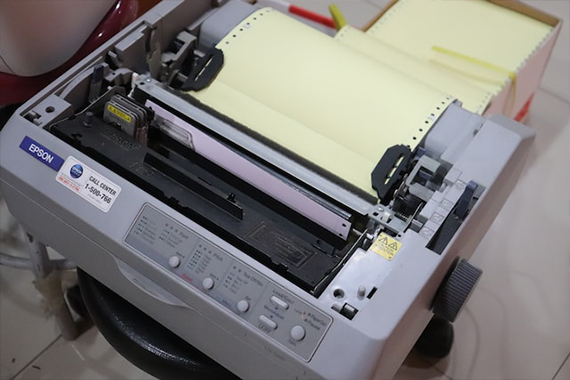
dot matrix printer

Dot matrix printers utilize pins that strike an ink ribbon, creating dots that form images and text on paper. They are ideal for printing multi-part forms and invoices. They can print on continuous paper and make clear and legible carbon copies.

Advantages

  • Prints on multi-part forms and carbon copies
  • Affordable price
  • Long-lasting, reusable ink ribbons
  • Suitable for printing in harsh industrial or factory environments

Disadvantages

  • Low-quality printing
  • Slow printing speed
  • Limited resolution
  • Inconveniently loud and noisy

7. A3 Printers
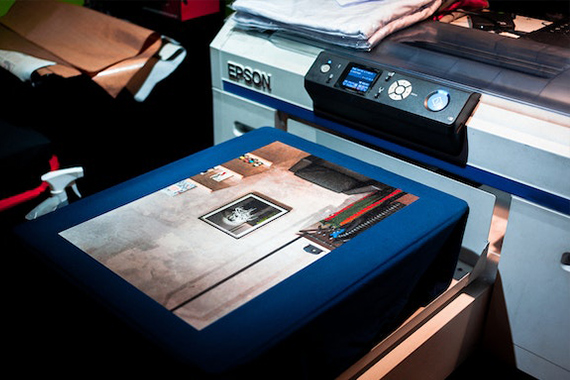
A3 printer

A3 printers are designed to print on larger paper sizes (up to 11 x 17 inches). These printers are ideal for producing large documents, posters, and brochures. They are typically used in offices, graphic design studios, and print shops.

Advantages

  • Prints on larger paper sizes
  • Ideal for printing posters and large or oversized documents
  • High-quality printing
  • Suitable for printing marketing materials, like brochures

Disadvantages

  • Elevated initial cost
  • Significantly larger size and heavier weight than standard printers
  • Consumes more ink and toner than standard printers
  • Limited paper types, cannot print on glossy photo paper in several models

Each type of printer has advantages and disadvantages, and choosing the right one for your needs depends on your business niche requirements. Consider factors like the document types you will be printing, the printing volume you will be doing, and your budget when selecting a printer.

Printer Types

The future of printing will be exciting, but in this article you discovered the different types of printers, pros and cons, and how they are best suited for office use.

Determining which printer type best suits your business’s needs will help you produce the printed material you require more quickly and efficiently.

Not acquiring the right printer for your office will leave you incapable of producing high-quality and accurate printed material to meet your needs.

Sources:
kb.iu.edu/d/agta
codingmarkingdigest.org/solutions/continuous-inkjet-printer-advantages-and-disadvantages/
atikaschool.org/kcse-computer-studies-questions-and-answers-836310/state-advantages-and-disadvantages-of-laser-printers
ledlights.org/FAQ/What-is-an-LED-Printer.html
lerablog.org/technology/hardware/which-printer-should-i-buy-inkjet-laser-or-led/

Clash Graphics Print Shop Atlanta Flyer Printing

2233 Peachtree Rd NE Ste 202 AtlantaGA 30309
(678) 235-3464

To view the original version on Clash Graphics, visit: https://www.clashgraphics.com/printing-tips/types-printers-pros-cons-uses/

Tuesday, May 19, 2020

How Many Types of Printing Are There

Avoid wasting your time and money on a bad print job. By knowing what types of printing are available to you, you can achieve stunning results on your next print project.

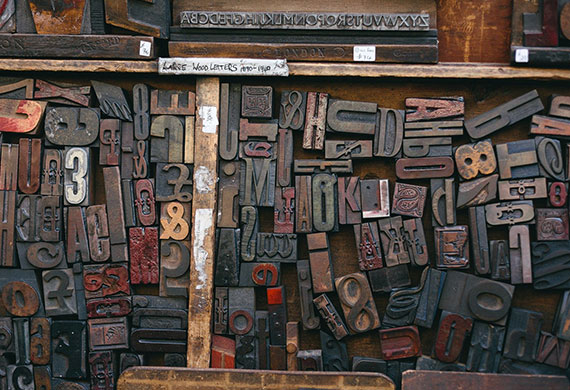
Wood printing blocks used in presses

Clash Graphics gathered information on 7 forms of printing to help you make informed decisions when selecting the right type of printing for your next print job.

Flexography

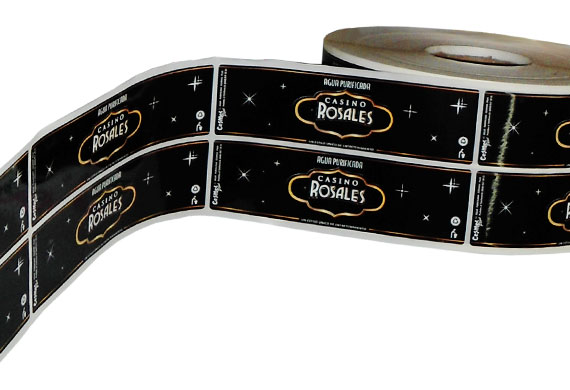
Flexography, sometimes called flexo, is an updated version of letterpress printing. This method of printing can be used on almost any type of substrate, including:

• Label stock
• Fabric
• Metallic film
• Corrugated cardboard
• Cellophane
• Bags
• Product packaging
• Plastic

Flexography used to print on various substrates

Flexography prints from a flexible printing plate that is wrapped around a rotating cylinder.
The process uses quick-drying, semiliquid inks transferred to the printing plate by rotating cylinders.

Offset Lithography (Offset)

Offset printing uses plates, frequently made from aluminum, which are used to transfer an image onto a rubber "blanket", and then rolls that image onto a sheet of paper. It's called offset since the ink is not transferred directly to the paper. Since offset presses run so efficiently once they are set up with plates and colors, offset printing is one of the best choices. Especially when more significant quantities are ordered, and provides accurate color reproduction and professional looking printing.

Offset printing uses a plate to transfer an image to a rubber blanket to roll the image onto paper

Digital Printing

Digital printing disposes of the need for plates, but instead uses toner for smaller printers and sometimes liquid ink in larger digital printers. Digital printing outperforms other types of printing when lower quantities are needed. Another benefit of digital printing is its flexible data capability. When each printed unit requires a unique code, name, or address, digital is the superior option.

Digital printing uses ink or toner to produce images from digital files

Read about the advantages and disadvantages of digital and offset printing at clashgraphics.com/printing-tips/digital-vs-offset-printing-explained/

Screen Printing

Screen printing is a technique in which mesh is used to apply ink onto a substrate, except in specific areas made impenetrable to ink by a blocking agent. A squeegee is moved across the screen to fill the open mesh with ink. A reverse stroke causes the screen to make contact with the substrate momentarily. Contact from the reverse stroke causes the ink in the mesh to wet the substrate and be pulled from it as the screen lifts off of the substrate. Only one color is applied at a time, so to produce a multicolored product, a single screen must be produced for each color.

Screen printing is a process which allows the application of one color at a time using a screen and squeegee

Find out more about screen printing at clashgraphics.com/printing-tips/screen-printing-heat-transfer-direct-to-garment-custom-t-shirts/

Wide-Format Printing

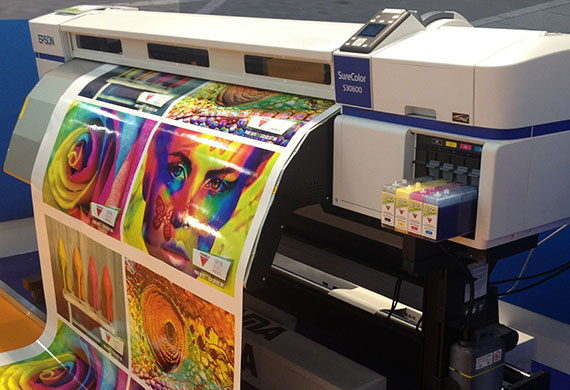
Large or wide-format printing is a medium that has been growing in popularity for advertising. Its purpose is to support maximum print roll width. The advantage of this type of printing is the ability to work with a bigger area. Wide-format printing can be used to produce banners, posters, murals, wallpapers, and billboards. This printing type is ideal for projects that require wide images, large texts, and visual or graphic-heavy designs.

Wide format printing allows for the easy creation of banners posters wallpaper and billboards

3D Printing

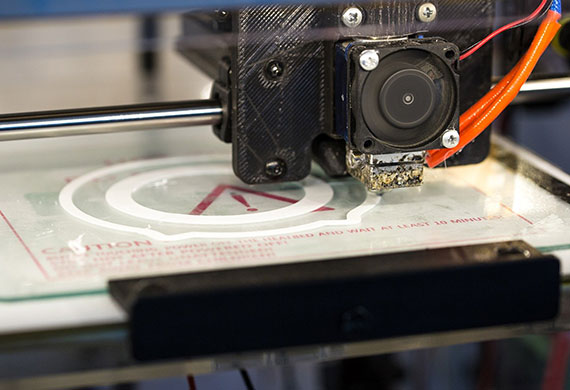
3D printing, also referred to as additive manufacturing, is the process of making a three-dimensional object from a digital file. 3D printed objects are made using an additive process. An additive process means that an object is created/formed by applying successive layers of material until the object is finished.

3D printing to make three dimensional objects from a digital file

LED UV Printing

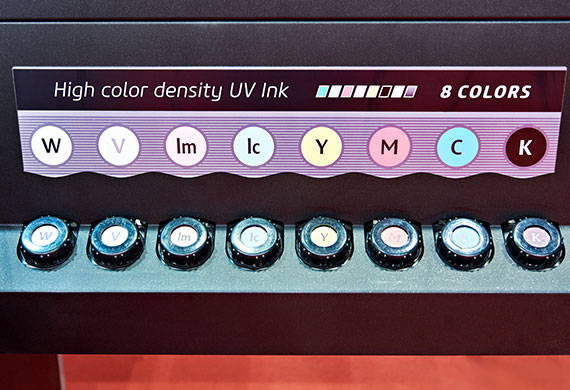
In traditional printing types, inks are typically solvent-based and dry as their chemical components evaporate. LED-UV inks dry (cure) instantly using a UV light.

The difference between UV and LED-UV is the light used to cure the ink. LED-UV generates an energy wavelength from light-emitting diodes (LED) entirely used to cure the ink. Traditional UV produces an energy wavelength from a mercury-vapor bulb that is less efficient, as only part of the wavelength is used to cure inks and/or adhesives.

LED UV printing cures ink instantly during the print process

Defining Your Print Project

Once you have determined which printing type fits your project best, your next determination should be the type and quality of the substrate or paper. For more detail about paper types and qualities, visit clashgraphics.com/printing-tips/paper-quality-and-type/

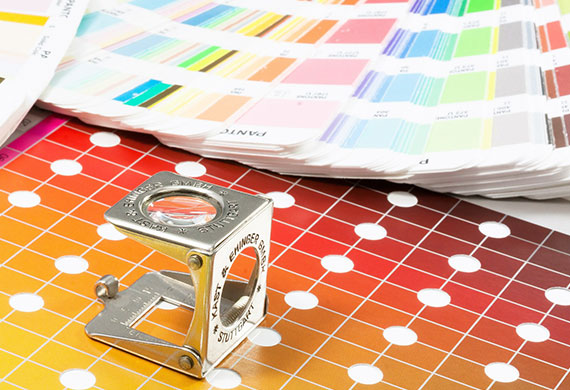
Regardless of how many times you’ve proofed your project before sending it to your professional printer, always request a prepress proof. A prepress proof allows you to see what the finished product will look like and allow last-minute adjustments in color and print.

Prepress proofs allow you to detect imperfections and needed corrections before a print run

Types of Printing

In this article, you discovered information about 7 types of printing and how to determine which one best suits your printing project.

By knowing what printing options are available to you, you can adjust your project as needed while being in full command of the end result.

When you are entirely reliant on others to produce your vision, you may lose valuable time and resources, waiting for them to get it right. If they ever do.

Sources:
web.tech.uh.edu/digitalmedia/materials/3350/Flexography.html
westga.edu/pubprint/offset-printing.php
printcopymail.umich.edu/copysvcs/digitalprinting.htm
wisegeek.com/what-is-screen-printing.htm
libguides.utk.edu/AVM3D_Print_Lib_Guide
flaar-reports.org/index.php/services/


Clash Graphics Print Shop Atlanta Flyer Printing

2233 Peachtree Rd NE Ste 202 AtlantaGA 30309

(678) 235-3464

To view the original version on Clash Graphics, visit: https://www.clashgraphics.com/printing-tips/how-many-types-of-printing/